DayZ DDoS Protection: Game Traffic, Queries and Filtering
How VYKIX protects DayZ with VxShield: upstream mitigation, packet and session checks, A2S caching and customer incidents reaching a recorded 2.56 Tbps peak.

On this page
At VYKIX, VxShield combines Global Secure Layer (GSL) upstream mitigation with additional filtering on VYKIX’s network. The game connection and server-browser query service have different jobs, so we check both. Players can lose access to one while the other still responds.
Our work with KarmaKrew, StalkerZ and Ground Zero covers query floods, changing game packets and large UDP attacks. This guide explains the checks behind that protection and how to configure them for your service.
If you’re choosing a host or moving after an attack, review our DDoS-protected DayZ hosting. VxShield is included with the paid plan; the hosting page brings together the coverage, incident reports and ordering options.
Start with the affected service:
- Note what happened in game and what happened in the browser.
- Check the network filters alongside the protocol and session rules for DayZ.
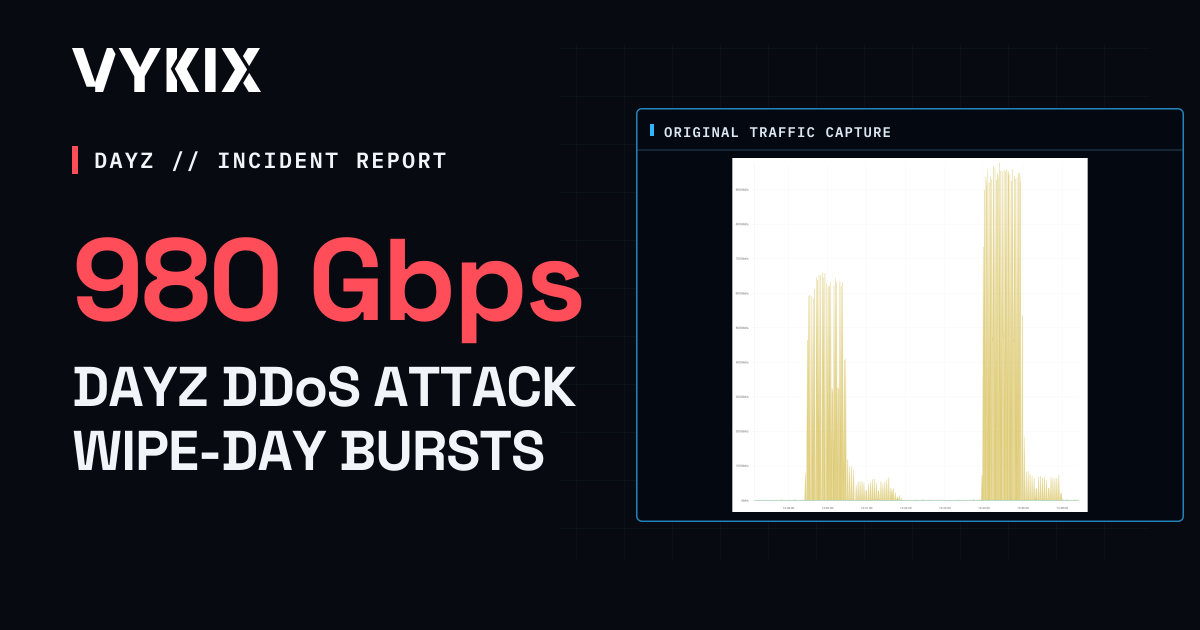
- Watch for bursts or traffic that changes between attack rounds.
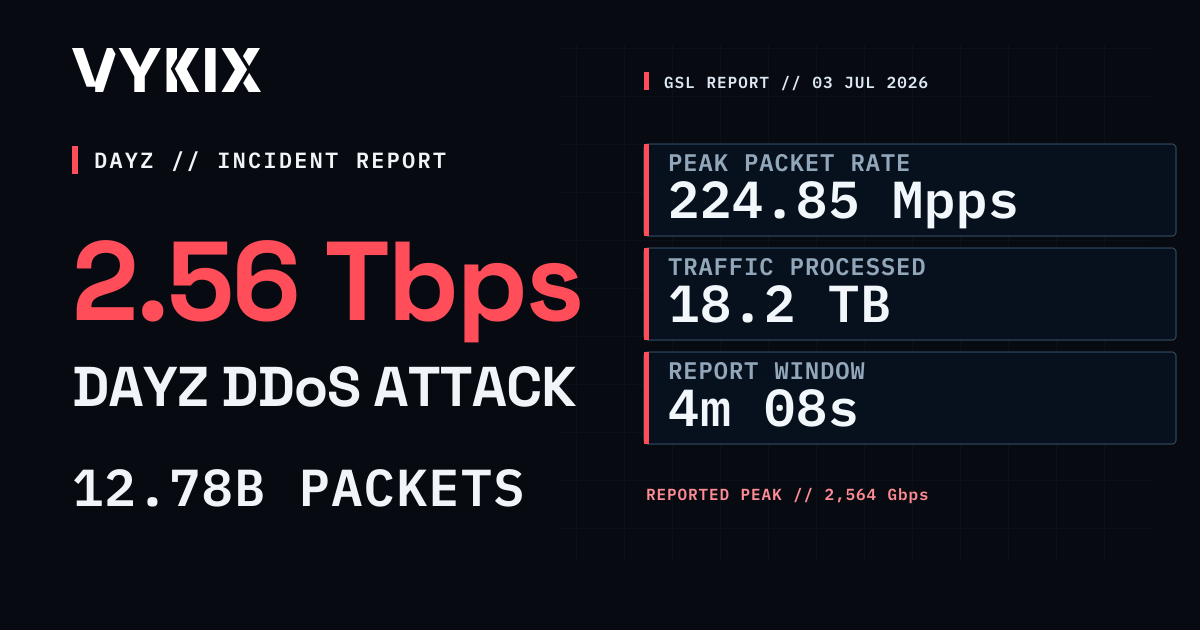
- Read capacity figures in context. VxShield’s stated 17 Tbps covers the protection network; our published DayZ incidents include A2S floods and a reported 2.56 Tbps UDP peak.
What Is DayZ DDoS Protection?
DayZ DDoS protection filters incoming traffic before it reaches your game server. The active rules decide which packets to reject, so the configuration and attack pattern determine how the protection behaves.
Network controls can limit packet rates, close unused ports and match known attack patterns. DayZ-aware filters add checks for game structures and Steam queries. Ask your host which controls your service uses.
Some attack packets imitate part of DayZ’s UDP format. Rate limits constrain their volume; protocol and session checks help the filter decide whether a packet belongs to valid game traffic.
Why DayZ Servers Get Attacked
An attacker can target new joins, active sessions or browser lookups to disrupt a DayZ community. An outage tells you which service suffered, but it cannot tell you the attacker’s motive.
Before a launch or wipe, test a direct join and a browser lookup. If an incident occurs, send your host the address, affected port, time window and exact error so support can match the failure to the traffic.
A failed join or missing listing alone won’t tell you whether it’s a DDoS attack. Compare network counters and packet samples with the server’s logs, resource use and update history. Record the time zone so the host can match events across systems.
The Types of DayZ DDoS Attack (and Real Examples)
VYKIX’s published incidents cover five attack patterns:
| Attack type | Behaviour | Published case |
|---|---|---|
| Volumetric flood | Sends enough TCP/UDP traffic to exhaust network capacity | Ground Zero, 2.56 Tbps |
| A2S / Steam query flood | Sends queries at high rates; challenges and rate limits affect the work they create | KarmaKrew |
| Packet signature spoofing | Copies structures from the DayZ protocol | STALKER: Echoes of Chernobyl |
| Pulse wave | Alternates bursts with quiet periods to test detection and response timing | Escape From DayZ incident |
| Adaptive multi-round | Changes the traffic between rounds | StalkerZ incident |
The Rearmed engineering write-up follows our work inspecting attack traffic, revising packet checks and testing the changes. Each incident has different records available. Network graphs show the traffic; game-server logs and player observations are needed to check uptime and playability.
Valve’s server-browser protocol update lets a server challenge an A2S_INFO query before sending the full reply. Check how your server and protection layer handle that challenge when investigating query traffic.
The current Valve query reference explains that the client must repeat a challenged request with the challenge appended. A single unanswered probe is not a complete query test. Extra bytes can contain a valid challenge, so packet-length rules must account for that exchange.
Where Generic DDoS Protection Can Fall Short
Ask which controls run on your service. A provider may combine network filtering with game-specific profiles under the same protection label.
- Query handling. Many small queries can create work for the query service. Check how the filter validates requests and limits their rate.
- Protocol checks. A bandwidth threshold measures traffic volume. Packet validation examines the contents, including forged protocol structures.
- Burst response. Find out which filters run before an attack and which need detection to activate. Traffic may reach the service during that delay.
- Usable access. Blocking an IP or all query traffic can interrupt joins or discovery. Note which actions players can still complete.
Ask for direct-join and browser-query test results with the attack graph so you can judge access during the incident.
What Real DayZ DDoS Protection Looks Like: VxShield
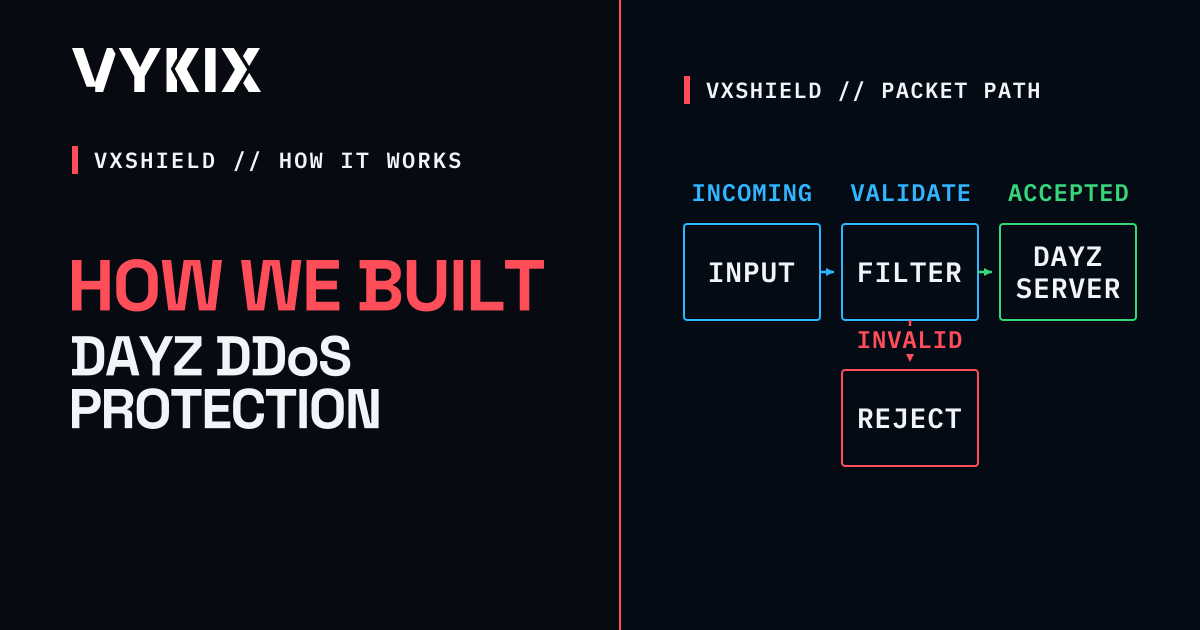
We use XDP/eBPF filtering in VxShield’s DayZ protection to check game and query traffic at the network edge. Our work covers the following parts of the connection:
- DayZ packet validation. Byte-level and session checks reject packets that fail the active rules before they reach the game process.
- Supported A2S_INFO cache hits. The Anycast edge answers with cached status, saving a query to DayZ. Cache misses, refreshes and other query types follow separate handling. Measure gameplay ping apart from browser-query response time. A cached reply doesn’t tell you whether the game server is healthy; test a game join too.
- Sessions and rates. Session state helps the filter distinguish new traffic from established traffic. The rule set and attack still determine what it can reject.
- Anycast filtering. The stated 17 Tbps is aggregate protection-network capacity. It is neither a per-server bandwidth allocation nor a guarantee against every attack.
- Incident records. Counters and packet captures let us inspect the traffic. Compare them with game-server and player observations when investigating disconnects.

Some general-purpose hosts offer game-specific protection too. The VYKIX vs OVH vs Hetzner comparison looks at the published services, who maintains the rules and which results to request.
For communities and deployments we have written about, see the DayZ customer examples.
How to Protect Your DayZ Server From DDoS
Before opening or moving a public server:
- Confirm game and query coverage. Ask which packet checks apply, which queries use a cache and what happens on a cache miss.
- Compare capacity with past incidents. Ground Zero’s documented attack exceeded 1 Tbps. Look at the traffic and connection results as well as the provider’s stated network capacity.
- Check filter activation. Ask what runs before an attack and how the provider responds to bursts and changing traffic.
- Check home-hosting protection upstream. Ask your ISP which mitigation and incident support it provides before opening a public community on your connection.
The DayZ DDoS protection docs explain VxShield configuration. For managed DayZ, keep your assigned endpoints and contact us for protection changes. On a VPS or dedicated service with customer-managed rules, configure those rules yourself. How we built DayZ-specific DDoS mitigation covers the engineering work.
Common Questions
What is DayZ DDoS protection?
It checks incoming traffic before it reaches the game server. DayZ-aware profiles can inspect game structures and Steam queries alongside network rules. Which attacks they handle depends on the active configuration and incoming traffic.
Why do DayZ servers get DDoS attacked?
Attackers try to interrupt a public service. For DayZ that can mean failed joins, disconnected sessions or broken browser queries. Send your host the endpoint, time and exact player symptom to investigate; those details identify the failure rather than the attacker’s motive.
Can generic DDoS protection stop DayZ attacks?
Network filters can stop or limit some attacks, including volume floods. DayZ-aware rules add protocol checks beyond a bandwidth threshold. Ask which profiles your service uses and how they have handled relevant incidents.
What is game-aware (Layer 7) DDoS protection?
It checks packet structures and connection behaviour for a particular protocol. DayZ game traffic and Steam queries each need suitable checks, used with rate limits and network controls.
What is the largest DDoS attack a DayZ server has faced?
Ground Zero’s reported peak of 2,564.43 Gbps, about 2.56 Tbps, is the largest VYKIX has documented against a DayZ customer. We can’t use that figure to claim a worldwide record. It measures network traffic; checking uptime requires game-server and player records.
What is VxShield?
VxShield is VYKIX’s game-server DDoS protection, combining upstream mitigation with our own network filtering. We check DayZ packets and sessions and cache supported A2S_INFO requests at the Anycast edge. The stated 17 Tbps is protection-network capacity, not bandwidth allocated to each server or a gameplay-latency figure.
How do I protect my DayZ server from DDoS?
Ask your host how it handles DayZ game traffic, Steam queries, bursts and cache misses. Compare relevant incident results with the advertised capacity. VxShield is included with VYKIX DayZ hosting.
VxShield comes with VYKIX DayZ hosting. To plan a move, send us your files, incident notes and preferred timing. Eligible switchers can receive free migration help and seven days free through the current switcher offer.
DDoS-protected DayZ hosting.
Review the game-traffic filtering, A2S query protection and incident evidence behind VxShield. Included with paid DayZ hosting.